

We’ve all experienced it: You open Instagram, ready for your usual scroll, and bam—a new update hits, leaving your screen looking unfamiliar.
Can you undo an Instagram update and bring back the layout you loved?!
Many of us have asked this question after finding features moved or missing altogether. The frustration is real, but don’t worry there are ways to manage these updates and regain a sense of control.
If you’re feeling stuck with an Instagram update, the good news is that there are solutions, and IdeaSocial is here to help you navigate these changes.
In this guide, we’ll explore whether it’s possible to reverse an Instagram update and walk you through the steps to regain control over your app experience.
Stay tuned for tips and tricks that can make Instagram feel familiar again.
If a recent Instagram update caused problems or changed features you preferred, you might wonder if it’s possible to roll back. While undoing an update isn’t always an option, there are ways to resolve common issues. Check out how to fix Instagram update bugs in 2024 and get your app running smoothly again.
Is It Possible to Undo an Instagram Update? (Simple Steps to Regain Control)
Can you undo an Instagram update? While Instagram doesn’t provide a straightforward ‘undo’ button for its updates, there are a few ways to regain control over those changes.
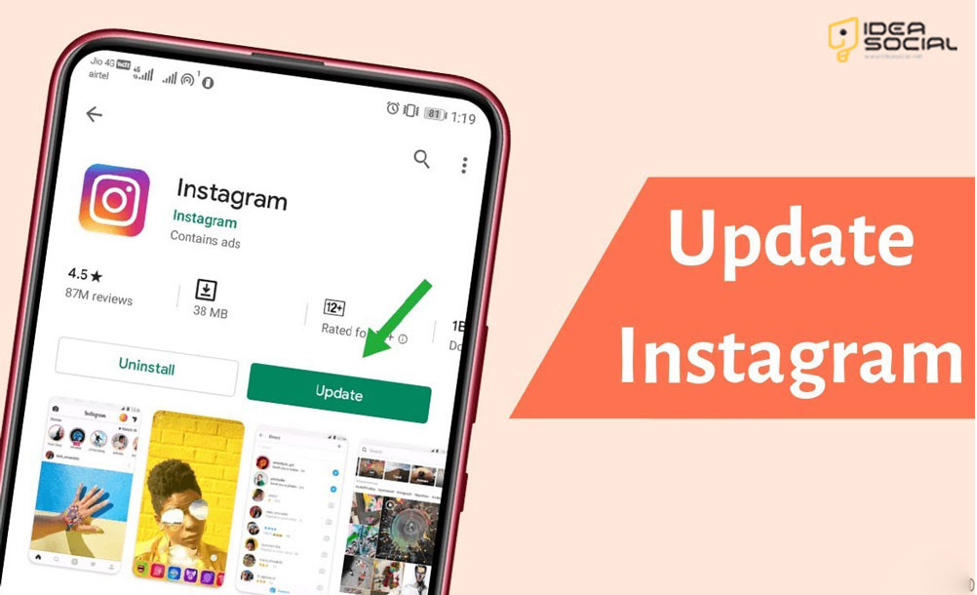
Though not perfect solutions, these steps can help minimize frustration and potentially reverse some of the features you don’t enjoy:
1.Turn Off Auto-Updates
If you are not satisfied with Instagram’s auto-update, go to your app store settings and turn off auto-updates. This will prevent future updates from sneaking up on you, giving you more control over when and if you update the app.
2.Revert to an Older Version
Android users can search for older Instagram APK files on trusted third-party sites. By uninstalling the current version and installing an older one, you might return to the layout and features you’re used to on Instagram.
3.Provide Feedback to Instagram
Instagram frequently updates based on user feedback. If you dislike an update and decide to undo it, don’t hesitate to contact the app support team or leave feedback directly in the app. With enough input, Instagram may consider adjusting the feature in future updates.
Despite the fact that these approaches do not guarantee a complete reversal, they do provide you with more flexibility and the opportunity to customize Instagram’s updates to your preferences.
Why Instagram Updates Automatically?
Are you ever curious about why Instagram continues updating without providing you with a heads-up? A breakdown is as follows:
- New Features and Enhancements: Instagram updates automatically to introduce the latest features and improve your experience.
- Security Patches: Updates often include critical security fixes to protect your data and ensure your app runs smoothly.
- Bug Fixes: Updates are designed to eliminate bugs and glitches that might be affecting the app’s performance.
- Performance Improvements: These updates help Instagram load faster and work more efficiently.
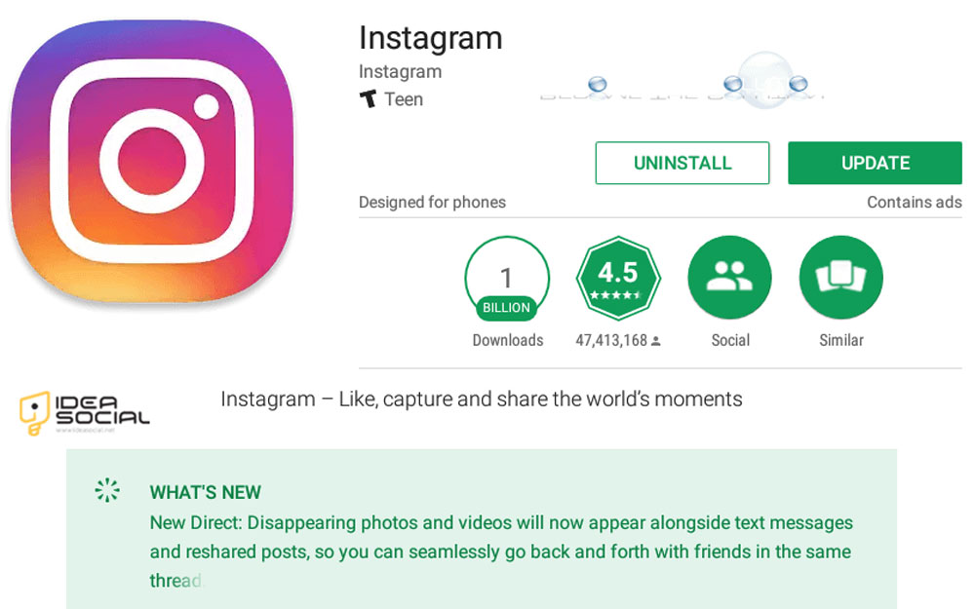
How to Manage Instagram’s Automatic Updates?
You have the option to turn off Instagram’s automatic updates if you would rather have control over when the app becomes updated:
– On iPhone (iOS)
- Go to Settings > App Store.
- Toggle App Updates
– On Android
- Open the Google Play Store, tap the three horizontal lines, and go to Settings.
- Tap Auto-update apps and choose Don’t auto-update apps.
You can still manually upgrade Instagram by checking for updates in either the Google Play Store or the App Store.
Is It Safe to Revert to an Older Version of Instagram?
When a new update disrupts your Instagram experience, reverting to an earlier version of the app can seem like an enticing alternative.
On the other hand, there are significant aspects to take into consideration in relation to functioning and safety in order to undo an Instagram update:
Security Risks
It is possible that older versions of Instagram may not have the most recent security fixes installed, which leaves your account open to the possibility of being hacked or having your data compromised. Updates often address these vulnerabilities; thus, if you choose to ignore them, you may make your personal information vulnerable.
Feature Limitations
Reverting to an earlier version of Instagram can result in you losing access to new features or upgrades. This is because previous versions have fewer features. Some updates are intended to improve speed or interact with other applications, so rolling back specific updates may restrict your experience.
Potential Bugs
Issues or glitches that have been discovered and corrected in more recent editions may exist in older Instagram versions. Reverting may require addressing problems that the update was designed to fix.
APK Downloads
Downloading an earlier version of an Android application package (APK) from a website that is not affiliated with the developer might pose potential dangers to Android users. Because these files are not always checked for security, you might inadvertently install malicious software or other potentially destructive applications.
Before reverting to a prior version of Instagram, even if it’s theoretically feasible, you should consider the security concerns and possible loss of features.
If you must download an older APK, do so only from reputable sources, and keep a close eye on your data at all times.
Conclusion
Unexpected Instagram updates can be frustrating, especially when they disrupt your familiar layout or favorite features.
While Instagram doesn’t offer an easy way to undo updates, you can take steps to regain some control—whether it’s disabling auto-updates, exploring older versions of the app, or providing feedback to influence future changes.
Remember, staying informed and proactive is key to maintaining a seamless Instagram experience. By managing your update settings and keeping an eye on new features on Instagram, you can adapt to changes on your terms.
If you’re looking for more tips and tricks for navigating social media, platforms like IdeaSocial can help you stay ahead of the curve and in control of your digital life.
Ultimately, we want you to share your data and ideas about “Can you undo an Instagram update?” in the comment section.
FAQ
Can you undo an Instagram update?
No, Instagram does not offer a direct option to revert to a previous version.
How can I stop Instagram from automatically updating?
You can turn off auto-updates in your app store settings to control when updates are installed.
Why does Instagram update automatically?
Instagram updates automatically to improve security and performance and add new features.
Is it safe to install an older version of Instagram?
Installing an older version may pose security risks as it lacks the latest security updates.
How can I provide feedback about an update to Instagram?
You can submit feedback directly through the app’s settings or by visiting Instagram’s support page.


