LinkedIn has evolved far beyond just being a professional social network. It’s where recruiters, clients, and collaborators search for talent. The average professional has hundreds of connections, but only a few profiles truly stand out. Using LinkedIn’s features effectively can increase your visibility, credibility, and opportunities. Think of it as a personal brand hub—if you’re not leveraging every tool, you’re leaving opportunities on the table.
Profile Photo and Background Image
The Power of a Professional Profile Photo
Your profile photo is the first impression. A high-quality, clear, and professional photo conveys credibility instantly. Profiles with photos are 21 times more likely to receive profile views and 36 times more likely to get messages. Choose a photo where you’re smiling, dressed professionally, and facing the camera—simple, but effective.
Using a Background Image Strategically
Your background image is prime real estate for personal branding. Instead of leaving it blank, choose an image that reflects your industry, your achievements, or your personal brand. Think of it like a billboard behind your head—make it visually appealing and relevant.
Managing your professional presence on LinkedIn starts with understanding whether having more than one profile is the right choice. Our in-depth guide on why having 2 LinkedIn profiles matters explains the potential advantages, risks, and best practices to ensure your personal brand remains consistent and credible across the platform.
Headline Optimization
Writing a Compelling Headline
Your headline doesn’t have to be just your job title. It’s a chance to showcase your expertise and value proposition. Include your specialty, key achievements, or how you solve problems. Instead of “Marketing Manager,” try “Marketing Manager | Helping Brands Boost Engagement & Drive Revenue.”
Using LinkedIn’s advanced profile features allows you to showcase your skills, achievements, and professional story effectively. At the same time, maintaining multiple accounts can complicate your strategy. Learn why having 2 LinkedIn profiles matters and how it can affect your networking and credibility.
Keywords That Get You Found
Recruiters search LinkedIn using keywords. Incorporate relevant terms in your headline and summary. For example, “Digital Marketing,” “SEO Expert,” or “Project Management” will help you appear in more search results.
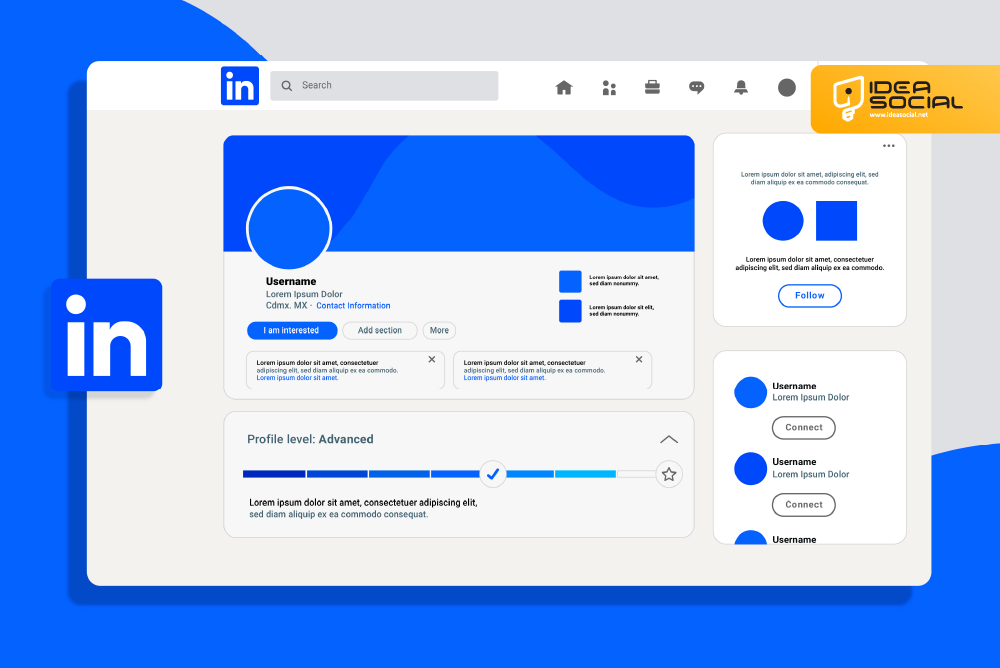
About Section (Summary)
Crafting an Engaging About Section
Your summary is where you tell your story. Use it to showcase your career journey, achievements, and what drives you professionally. Keep it conversational and use short paragraphs or bullet points for easy readability.
Storytelling to Highlight Your Strengths
Narratives stick. Explain challenges you overcame, projects you led, and results you achieved. Highlight metrics where possible. Instead of saying “Managed a team,” say “Led a team of 10 to increase sales by 25% in one year.”
Experience Section
Detailing Your Work Experience Effectively
List all relevant roles, focusing on impact rather than duties. Include your title, company, and timeline, but spend most space on results. Use action verbs like “led,” “created,” or “implemented.”
Using Achievements Over Job Duties
Employers and recruiters are looking for results. Instead of stating responsibilities, showcase what you accomplished. Numbers, percentages, and measurable outcomes make your experience stand out.
Skills and Endorsements
Choosing the Right Skills
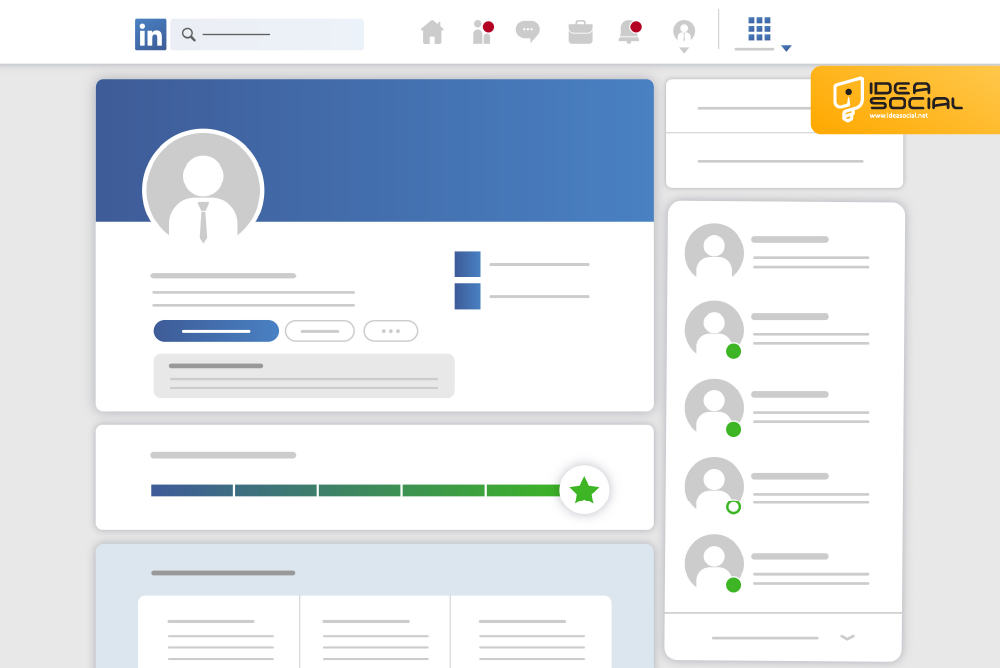
Select skills that align with your industry and career goals. LinkedIn allows up to 50 skills, but prioritize the top 10 relevant ones. These will appear on your profile and influence search rankings.
How Endorsements Boost Credibility
Endorsements validate your skills. Ask colleagues and clients to endorse you. The more endorsements you have for key skills, the higher your credibility.
Recommendations
Why Recommendations Matter
Recommendations are social proof of your expertise. They build trust and strengthen your profile’s authenticity. A profile with recommendations is more likely to catch a recruiter’s eye.
How to Request Them Professionally
When requesting recommendations, personalize your message. Be specific about what you want them to highlight. A well-crafted request is more likely to get a positive response.
Featured Section
Showcasing Your Best Work
LinkedIn’s Featured section allows you to highlight work samples, presentations, and articles. This section acts like a portfolio—make it visually appealing and relevant.
Including Media and Links
Upload PDFs, links to projects, videos, or SlideShare presentations. This is your chance to demonstrate value beyond words.
Accomplishments Section
Certificates, Courses, and Awards
Show off additional achievements in the Accomplishments section. LinkedIn supports certificates, courses, languages, patents, and awards. These can differentiate you from other professionals.
Using Metrics to Impress
Whenever possible, quantify achievements. “Completed Google Analytics Certification with 98% score” sounds more impressive than simply listing the certification.
Education Section
Highlighting Education and Projects
Include all relevant degrees, certifications, and academic projects. Add descriptions or links to significant projects to showcase applied skills and practical experience.
Open to Work Feature
Signaling Career Opportunities
LinkedIn’s “Open to Work” feature lets recruiters know you’re looking for opportunities. Customize it by role, location, and type of work to attract relevant job offers.
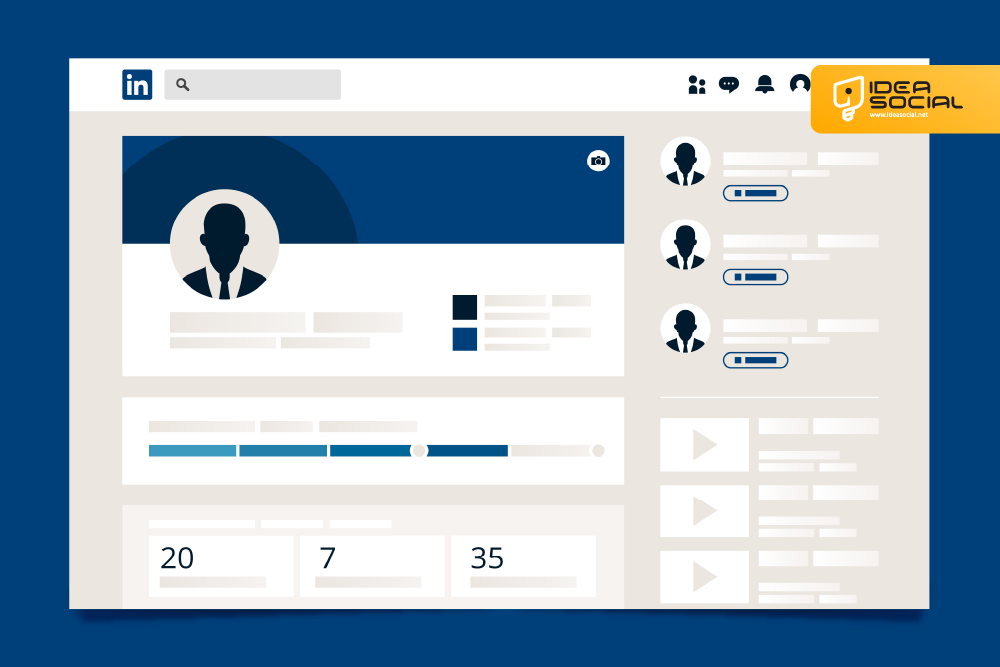
LinkedIn Articles and Posts
Sharing Thought Leadership
Publishing articles on LinkedIn positions you as an expert. Share insights, trends, or professional advice. This boosts your visibility and credibility.
Engaging Your Network With Posts
Regular posts keep you visible. Ask questions, share tips, or comment on industry news. Engagement increases profile visits and expands your network.
Custom URL
Creating a Memorable LinkedIn URL
LinkedIn allows custom URLs for easier sharing. A clean URL with your name or brand looks professional and improves searchability.
Networking and Connections
Connecting Strategically
Quality over quantity. Connect with professionals in your industry, past colleagues, and potential clients. Personalize connection requests to increase acceptance rates.
Engaging With Groups
Join LinkedIn groups relevant to your field. Participate in discussions, share insights, and build your authority.
Conclusion
A standout LinkedIn profile is more than just a resume—it’s your professional brand online. By optimizing your photo, headline, summary, experience, and other features, you can increase visibility, attract opportunities, and leave a lasting impression. Treat your LinkedIn profile as a dynamic showcase of your professional self, and invest time in using each feature strategically.
FAQs
Q1: How often should I update my LinkedIn profile?
Update your profile regularly, especially when you achieve new milestones, skills, or certifications. Quarterly reviews are a good practice.
Q2: Should I connect with everyone on LinkedIn?
Focus on meaningful connections—colleagues, industry professionals, and potential clients. Quality matters more than quantity.
Q3: Can I use LinkedIn for freelance work?
Absolutely. Highlight your skills, projects, and recommendations to attract clients and freelance opportunities.
Q4: How do I get more endorsements?
Endorse others for their skills, ask colleagues and clients for endorsements, and keep your top skills visible.
Q5: What type of content performs best on LinkedIn?
Posts sharing insights, professional tips, case studies, industry news, and personal stories tend to perform best.