📘 Facebook Reels: A New Era in Short-Form Video
Facebook has established itself as a mainstay in the competitive world of social media, and it is always adapting to satisfy the ever-changing requirements of its enormous user base.
🚀 One of its most recent initiatives is the introduction of Facebook Reels — a compelling tool designed to immerse people in the world of short-form video content.
❓ The Mystery: Why Facebook Reels Are Not Appearing on iPads
Despite the excitement around Reels, there remains one perplexing question:
🧐 Why don’t Facebook Reels appear on iPads?
This issue has left many users puzzled, especially those eager to enjoy Reels across all their devices.
🛠️ What You’ll Learn in This Article
In this article, we aim to:
🔍 Illuminate the factors behind this problem
💡 Offer enlightening insights
🧰 Suggest potential solutions
👉 So, are you ready to discover the problem of:
“Why Facebook Reels not showing on iPads?”
🧭 In the first step, we think it’s better to have a quick look at the problem:
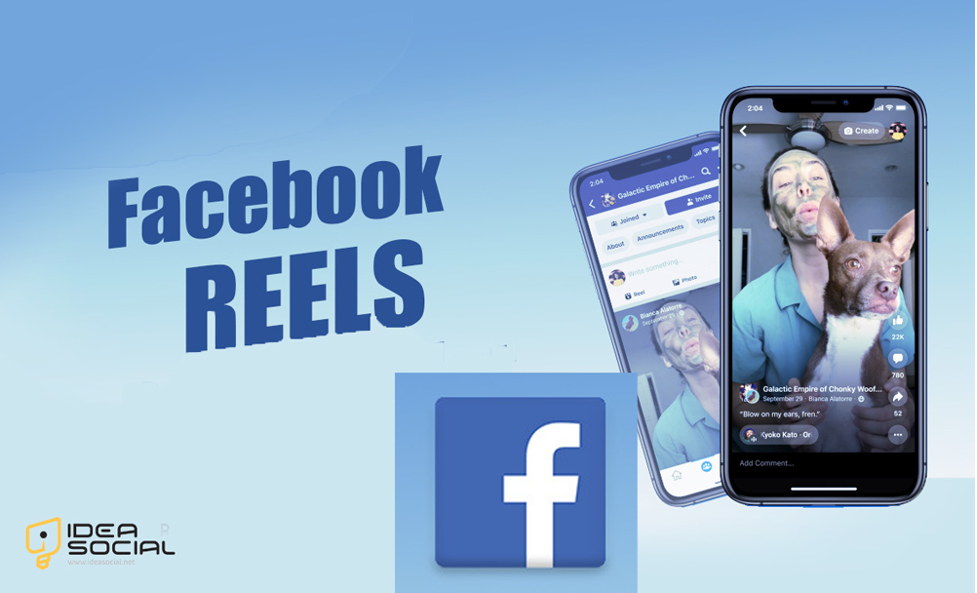
🎬 Getting to know the problem of Facebook Reels not showing on iPads
Like other short-form video formats, Facebook Reels allows users to be creative while connecting with their audience.
⚠️ Issue: Several customers have mentioned that Reels doesn’t work on their iPads, even if it does on different devices. Because of this disparity, users are curious about what went wrong and how to fix it.
So, to continue, let’s become familiar with reasons and solutions that can help us to have the enjoyable use of Facebook Reels:
❓ What are the reasons & solutions for Facebook Reels not showing on iPads?
There are several possible causes for why Facebook Reels is not available on the iPad, which leaves many users perplexed.
✅ You can usually fix this and have Facebook Reels work well on your iPad by the tips we will talk about to continue:
📋 (+6) Reasons for Facebook Reels not being available on the iPad
To understand why Facebook Reels are invisible on iPads, we must explore technology’s complexities and possible causes:
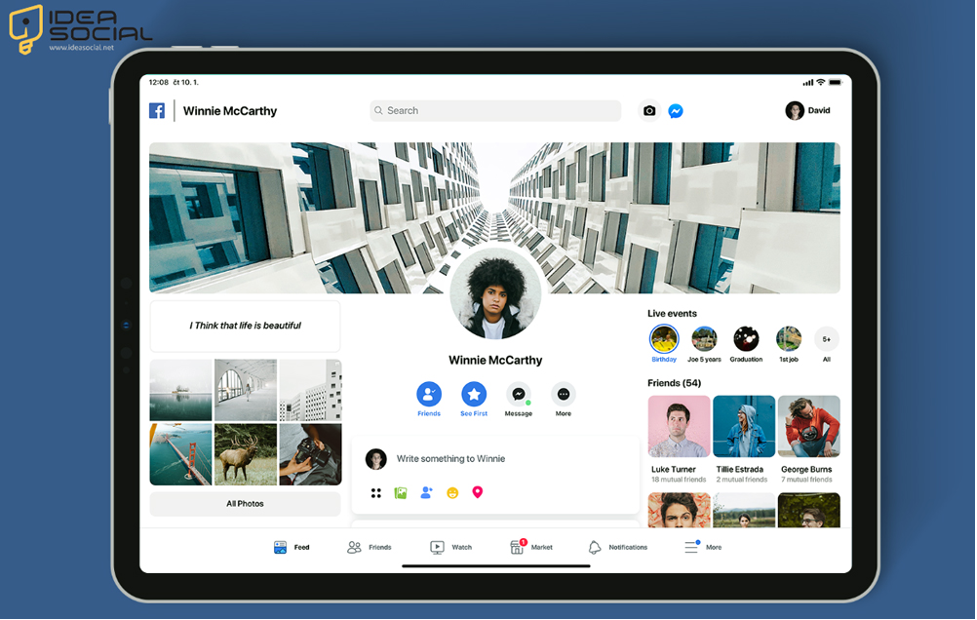
⚠️ 1. Discrepancies in App Versions
The Changes in App Versions are the first reason Facebook Reels are unavailable on the iPad. Their iPad’s Facebook app is outdated and doesn’t support the latest features, such as Reels. To stay compatible and access all the features, update the Facebook app to the newest version.
📱 2. Compatibility with Devices
The second reason that causes Facebook Reel not to function correctly is the problem with compatibility with devices.
Inconsistencies in availability can occur when Facebook optimizes Reels for certain iPad models or versions. Before you proceed, ensure that your iPad model can handle Facebook Reels.
🔄 3. Updates for the operating system
Issues with app compatibility with the iPad’s operating system, iOS, might hinder the effective working of certain functionalities. So, if compatibility problems continue, you cannot get Reels to work on your iPad.

🌍 4. Regional restrictions
For licensing or regulatory reasons, Facebook may limit access to certain features, such as Reels, based on a user’s location. By this rule, you can face the issue of Facebook Reels not showing on iPads. There may be issues with users being able to access the Reels function on their iPads in places where it is not officially supported.
🗑️ 5. Data & Cache
When Facebook’s internal cache and data are too full, it might cause speed difficulties and malfunctions, impacting how Reels appear on Facebook. Are you experiencing speed difficulties with the Facebook app on your iPad?
🐞 6. Bug or Glitch
Some Facebook features, including Reels, may not work as intended due to software errors or flaws in the program. So, the bug and glitch on Facebook can be another reason Reels is unavailable on the iPad.
🔧 (+6) Solution for Facebook Reels is not working on the iPad
✅ 1. Check for Facebook App Updates
If you own an iPad, make it a habit to check for Facebook app updates frequently. Updates to the software, such as Reels, can fix the Facebook Reels not showing on iPads if you install the most recent version.
📋 2. Verify Device Compatibility
Check official sources to ensure your iPad model is compatible with Facebook Reels. With this data, we can determine whether incompatibilities across devices are to blame for the lack of Reels and solve the Facebook Reels not available on iPads.

🔄 3. Update iOS regularly
Ensure your iPad is always running at its best by keeping up with iOS upgrades and installing them as soon as they become available. If you’re having trouble accessing Facebook Reels on your iPad, updating the operating system may fix the underlying problem.
🌐 4. Navigate Regional Restrictions
If you cannot access Facebook Reels due to geographical restrictions, consider alternatives to virtual private networks (VPNs). You may bypass geo-restrictions on services like Reels by using a virtual private network (VPN) to hide your online location.
🧹 5. Clear Cache & Data
You can proactively clean up your Facebook app by erasing all the cache and data built over time. Improving app speed and fixing bugs preventing Reels from being seen is as easy as taking just one little step.

📞 6. Report & Troubleshoot
If the Facebook Reels are unavailable on iPads, if the problem persists, please contact Facebook’s support staff to assist you further. It will be easier to troubleshoot and find a solution if you provide specific details about your experience.
📝 Conclusion
Finally, there are several reasons why Facebook Reels aren’t available on iPads. These include out-of-date software versions, compatibility concerns, and geographical limitations.
Nevertheless, users can often get over these problems and use Facebook Reels on iPads to their fullest by updating the app, checking the device’s compatibility, and looking into options like VPN services.
If you read the text thoroughly, you will see that we have provided all the information you need to use Facebook Reels without problems.
Your comments on Reels not being compatible with iPads would be very appreciated. How did you handle this situation in the past?
We want you to share your thoughts and experiences in the comment box.