

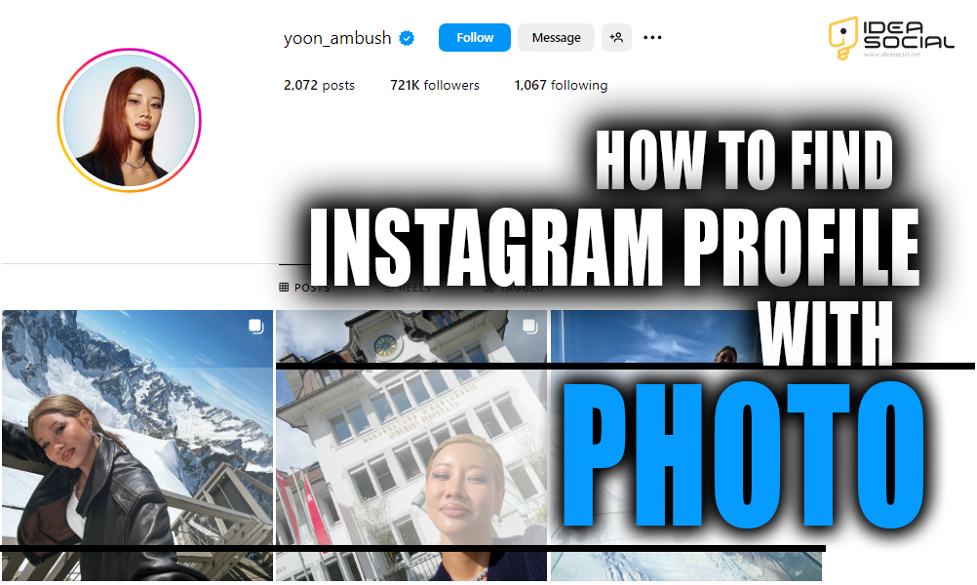
Instagram is a popular social media platform with over a billion active users. It provides interesting features and items for its users to let them connect to the world simply and effortlessly with a few clicks.
You can connect with your friends and discover new Instagram friends with whom you can interact and engage with their content, allowing you to explore Instagram more excitingly.
However, sometimes, you want an Instagram account of a person for whom you don’t have any names or information and wonder if you can find an Instagram profile with a photo of them.
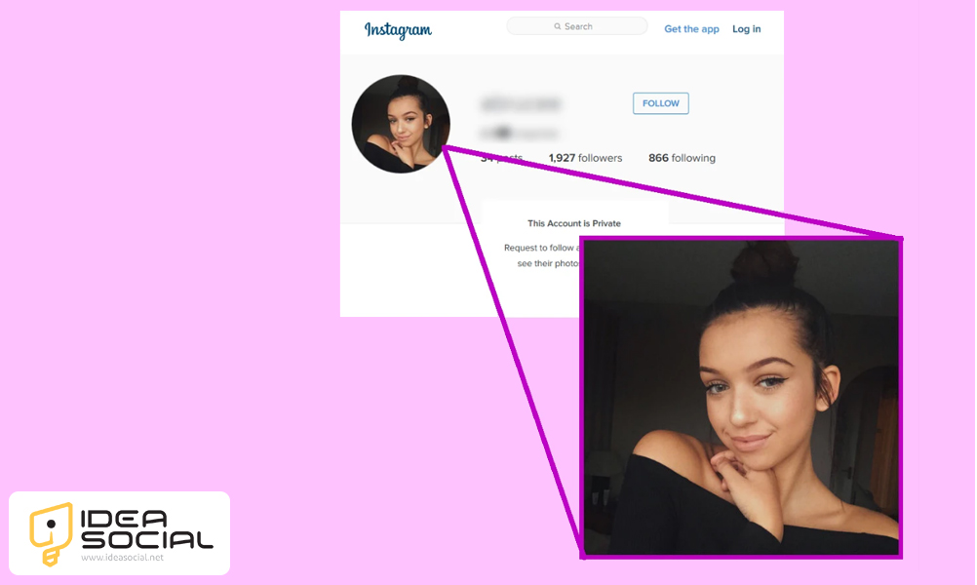
This essay will explore “How to find an Instagram profile with a photo?” to see if it is possible.
Learning how to find an Instagram profile with a photo can be helpful when you’re trying to identify accounts or connect with the right people. Once you’ve built connections and grown your presence, you may also wonder what financial opportunities come with a larger following. Discover more in our article on how much Instagram pays for 100K followers and the factors that affect earnings.
So, follow us in this interesting essay to discover tips and details easily.
Can I find an Instagram profile with a photo?
Finding an Instagram profile using just a photo can be challenging due to privacy settings and limitations on Instagram’s search functionality.
However, the answer is yes! You can try a few methods and third-party tools to find an Instagram profile with a photo.
However, these methods and approaches are not 100 per cent accurate, and you may only be able to do this if the photo has been posted or uploaded on Instagram or if the image is high quality and the face is recognizable.
However, you can give it a try, and here’s a list of methods and approaches on How to find an Instagram profile with a photo:
1. Google reverse image search
Since social media platform users post almost the same photos and content on their accounts, you can search a person’s Instagram account using their photo on Google Research.
Google reverse search will preset similar accounts that resonate with the uploaded picture, and you can use this method.
To find an Instagram profile with the photo by Google Reserve image search, you can consider taking the following steps:
- First, save one of the pictures or capture any accurate pictures of the person you are searching for.
- Then, open Google on your device and tap the camera icon on the right side of the search engine.
- Then, tap on Upload to upload the picture from our gallery. If you are using a PC, you can also copy the photo link or drag an image.
- Finally, tap on search and wait. Google will present you with websites or platforms that resonate best with the uploaded content.
This way, you can find the Instagram profile with a photo or other accounts that have posted the same picture, as the engine recognizes faces and styles similar to the uploaded image.
2. Reverse image search websites.
There are also several websites that you can use to search for different social media platforms where a person uploads their photo, such as https://tineye.com/, which you can use to find a person’s Instagram profile with a picture.
To use Tineye or other reverse search websites, consider taking these simple steps:
- First, save or capture any accurate photos of the person to search for.
- Then, please open the website and upload the saved picture by importing it from the gallery or pasting the picture’s link.
- Finally, tap on search and wait a while to let the website present you with the social media accounts that best match the uploaded image.
You can find a person’s Instagram profile with photos by using these websites and searching by their content.

3. Using third-party tools
Another way to find a person’s Instagram profile with a photo is by using social media monitoring tools like PimEyes or Social Catfish.
These tools allow you to upload an image and find all instances of that image online, including Instagram profiles.
To find an Instagram profile with a photo using PimEyes, follow these steps:
- First, go to the PimEyes website by typing pimeyes.com into the browser.
- On the PimEyes homepage, you will see an option to upload an image.
- Click the “Upload image” button and select the photo you want to search for on Instagram.
- Once you have uploaded the photo, click the “Search” button. PimEyes will analyze it and search for similar images online.
- PimEyes will display a results list showing where the uploaded image appears online. Look for any social media profiles associated with the image, including Instagram.
- If PimEyes finds an Instagram profile linked to the uploaded photo, click the link to visit the profile. You can view the person’s profile picture, bio, posts, and other information.
- Once you have found a potential Instagram profile using PimEyes, verify it belongs to the person you are looking for by checking their username, bio information, and photos.
- If you have confirmed that the Instagram profile belongs to the person you are searching for, you can reach out to them through Instagram by sending a follow request or a direct message.
Using PimEyes and similar third-party tools can help find Instagram profiles with photos, but always ensure that you respect people’s privacy and obtain their consent before reaching out to them on social media.
4.Try Social Catfish (People Search Engine)
Social Catfish specializes in finding online identities based on photos, emails, phone numbers, or usernames. It’s particularly useful when tracking Instagram accounts using specific photos.
Here’s how it works:
Visit SocialCatfish.com.
Upload the image or input other known details.
The tool scans social networks, dating platforms, and public databases.
Review potential matches with associated social media links.
Though Social Catfish is a paid service, it provides more accurate social profile matches than general search engines.
5. Use Yandex Image Search
If you’re not getting results from Western search engines, try Yandex, Russia’s largest search engine. It’s renowned for powerful face-recognition algorithms that often outperform Google in identifying human photos.
Here’s what to do:
Go to Yandex Images.
Upload the image.
Yandex will present similar faces and social links where the image appears.
Many users report that Yandex can locate Instagram photos even when they’ve been slightly cropped or filtered, making it a must-try option.
6.Check Reverse Image Search via Pinterest and Tumblr
Instagram photos are often reposted on Pinterest and Tumblr, both of which are indexed more openly by Google and Bing.
To trace a photo via these networks:
Search for your image on Pinterest with related keywords or hashtags.
Use Tumblr’s search filters to locate posts containing that same picture.
If you find a match, check the post’s description or link—it might directly lead you to the original Instagram profile.
Why You Might Want to Find an Instagram Profile from a Photo
There are many legitimate reasons to perform a reverse image search on Instagram photos:
Verify authenticity: Confirm whether a profile’s photos are original or stolen.
Identify impostors: Detect fake Instagram accounts using other people’s pictures.
Reunite with connections: Find a person you met briefly but only have a photo of.
Investigate content origins: Track down the original creator of viral or reposted images.
Enhance brand monitoring: Check if your brand’s visuals or influencer photos are being misused.
No matter your intent, these methods will help you trace images to their true Instagram profiles with precision.
7.Ask your friends
If you have mutual friends or connections with the person, you can ask them for the Instagram profile link or username. You can also send them the photo of the person you find the profile on Instagram if you need to know their name.
Conclusion
In conclusion, Instagram is a popular social media platform today, and most people we know may use the app and have a profile on It.
Sometimes, you can find a person’s Instagram profile with a picture if you don’t have any information or a name about them.
In this essay, we explain how to find an Instagram profile with a detailed photo and present the best methods and tips.
After discussing different approaches and strategies that aid you, have you ever found someone’s Instagram profile utilizing the listed methods?
Share your favourite approach and any others in the comments.


