

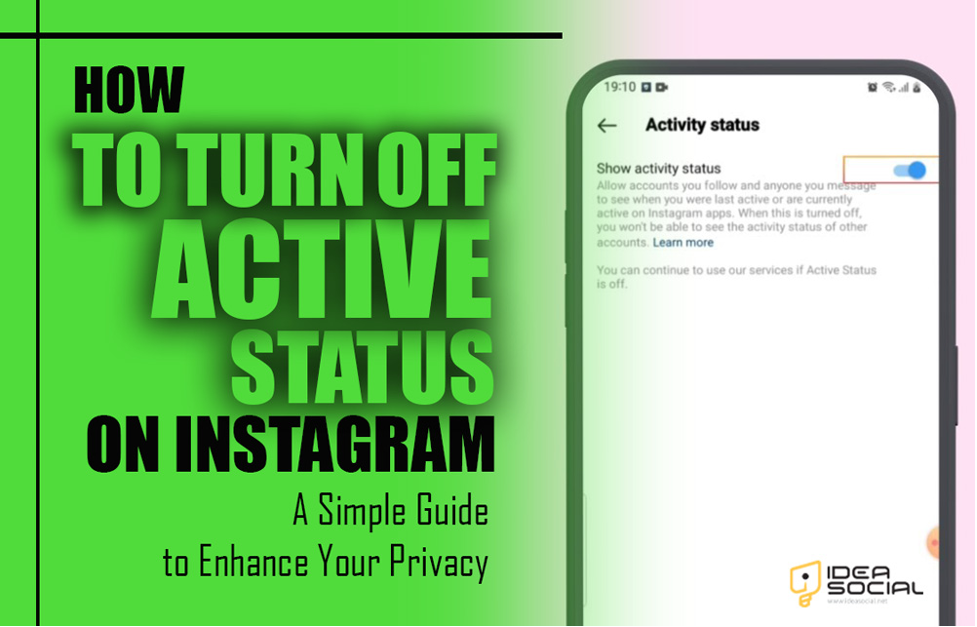
Ensuring privacy on Instagram and other contemporary social media platforms is essential in a world where our online activities are always being monitored.
Suppose you’re at home, enjoying some downtime reading your favourite blogs, when you suddenly become aware that someone is watching you.
Although Instagram’s active status feature is great for keeping connected, it may sometimes seem like your online behaviours are being scrutinized.
To regain control of your online privacy and surf the web in peace, turning off your Instagram active status is an excellent place to start.
Learn how to customize your Instagram experience according to your needs by diving into our easy-to-follow tutorial on Ideasocial about “How to Turn Off Active Status on Instagram?”
A quick look at the definition of Active Status on Instagram
The Instagram feature known as “Active Status” displays the user’s online status and the time and date of their most recent activity on the network.
In both DMs and the list of people a user follows, a green dot appears next to the person’s profile picture when active status is activated.
Another perk is that you can see when other people were online last. While this function is meant to make real-time conversation easier, it may compromise privacy by making other people aware of your online activities.
Can you turn off Instagram’s Active Status? (Step-by-step guide)
Yes, you can turn off Instagram’s Active Status feature. That way, no one can tell when you’ve been online or what you’ve been up to lately.
Allow us to show you the steps:
- The Instagram app should be opened by starting Instagram on your mobile device.
- In the lower right corner, tap the photo that represents your profile.
- To access the menu, tap the “menu” button located in the upper right corner of the screen.
- From the menu, choose “Settings” at the top.
- Make sure you choose “Privacy.”
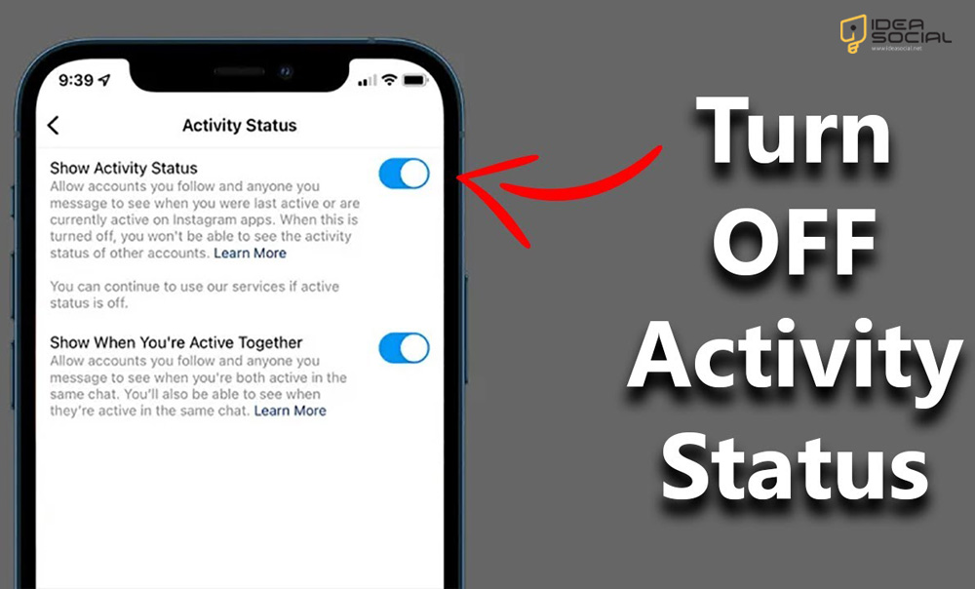
- Tap the “Activity Status” button to locate the Activity Status.
- Choose the switch that is located next to the “Show Activity Status” to the off position in order to turn off the active status on Instagram.
Your Instagram active status will be turned off from other users as a result of this action; nevertheless, you will not be able to see when other users are online or when they have been active lately.
Why do Instagram users want to turn off Instagram’s Active Status?
Users can choose to disable Instagram’s Active Status for a variety of reasons, including the following:
- A lot of individuals are wary about letting others in on their internet habits and routines, so they choose not to disclose this information. If you want to keep some privacy, you can turn off active status on your Instagram account.
- Feeling less pressure to answer quickly when you can see when other people are online is a great perk. Turning off active status on Instagram can be reduced, and interactions can be more relaxed.
- When users are busy or not connected to the internet, they may prefer to refrain from receiving communications that could distract them. So, they decided to deactivate their Instagram account’s active status feature.
- Users risk having their communications or conversations interrupted if they are active too much. To better monitor and regulate these interactions, you can turn off active status.
- Turning off active status allows users to concentrate on their work without being continually tracked or seen by others online.
By turning off their Instagram active status, individuals are able to manage their interactions on Instagram better and get more control over their online visibility.
What does turning off Activity Status mean for Instagram?
According to Instagram, turning off Activity Status indicates the following:
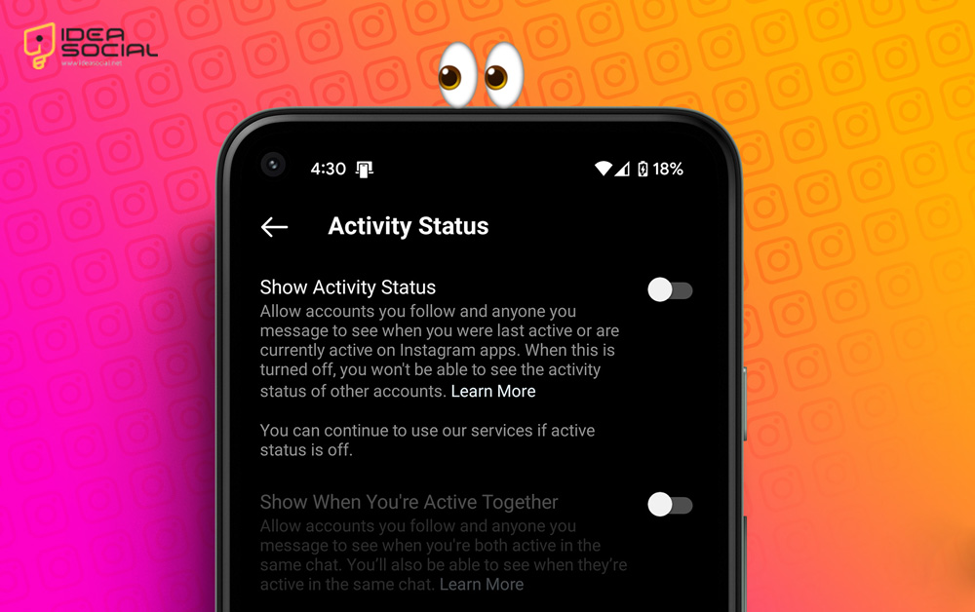
- Neither your current nor your previous Instagram activity can be seen by other users since your online status is hidden. There will no longer be a green dot next to your profile photo to indicate that you are engaged in direct messaging.
- By turning off your personal activity status on Instagram, you also remove the ability to view when other users are online or were last active. This means that you won’t be able to see what others are up to. Because this is a two-way feature, both parties can see each other.
- Your posts, stories, and profile exposure will remain unaffected if you disable Activity Status on Instagram. The only places it applies are to your activity feeds and direct communications about your online status.
Are there any options other than disabling Instagram’s Activity Status?
To answer your question, yes, Instagram does provide alternatives to Activity Status that allow you to control your profile’s exposure and privacy settings:
- Without turning off Instagram activity status, you can restrict who can send you direct messages by adjusting your message restrictions in the Privacy settings. This can help reduce unwanted interactions.
- Keep your Instagram stories private by sharing them with just a small number of people using the “Close Friends” function. You can regulate your involvement by managing alerts and setting particular times to monitor and reply to communications.
- Adjust your options to prevent distractions. To restrict interactions with certain accounts without banning them, use the “Restrict” To make sure that only authorized followers can view your posts and stories, change your account to private.
You can adjust the settings to suit your tastes, allowing you to strike a balance between privacy and interaction on Instagram.
Conclusion
Instagram users can take a strong step towards regaining their online privacy and minimizing the constraints of continual connectedness by turning off their Active Status.
Enjoy Instagram with more control and less hassle by following the easy instructions provided in this article. Take advantage of the independence that comes with not having to be visible at all times; after all, you own your online reputation.
Would you want to know more about how to make your Instagram account more private?
Keep your social media activities under control by exploring our recommendations on Ideasocial.
When using your preferred platforms, how can you find the sweet spot between privacy and connectivity?
Post your comments about “How to Turn Off Active Status on Instagram?” and become a part of the discussion!
Can I turn off Instagram’s Active Status feature?
Instagram users can disable Active Status by opening the app, going to their profile, tapping the menu (three horizontal lines), choosing "Settings," "Privacy," and lastly, "Activity Status." Could you turn it off by toggling the switch?
Is there a way to make activities invisible to others by deactivating Active Status?
Yes, other users will not be able to see your online or last active times when you disable Active Status. But you also won't have any visibility into what they're up to.
Is it possible to continue receiving direct messages even after disabling Active Status?
Yes, sending and receiving direct messages is still possible. The visibility of your online presence is the only thing that turning off Active Status impacts.
Will turning off Active Status affect the privacy settings on my Instagram account?
The only part of your online exposure that changes when you disable Active Status is in direct messaging. Other privacy settings and the sharing of your material are unaffected.
Can you disable Active Status and then enable it again?
Sure, repeat the process and toggle Active Status to the on position to activate it again.


