

With the rise of social media, Instagram Stories has become a popular way for users to share short videos, glimpses behind the scenes, and status updates.
Another informal and unplanned communication method is via the story function, where users can post photographs and videos that disappear after 24 hours.
The poster can know precisely who has seen their stuff; thus, there’s a catch to seeing these stories. When you wish to watch someone’s Story behind their back, this can be a problem.
If you’re curious about Instagram Stories or want to view them privately, there are a few methods.
In this comprehensive tutorial from Ideasoacial, we’ll examine various ways to maintain privacy while keeping up with the newest Instagram Stories.
So, if you are an Instagram fan, this is the place you should be to discover the methods for “How to View Instagram Stories Anonymously.”
We should start by seeing if we can sneak a peek at each other’s Instagram stories before proceeding:
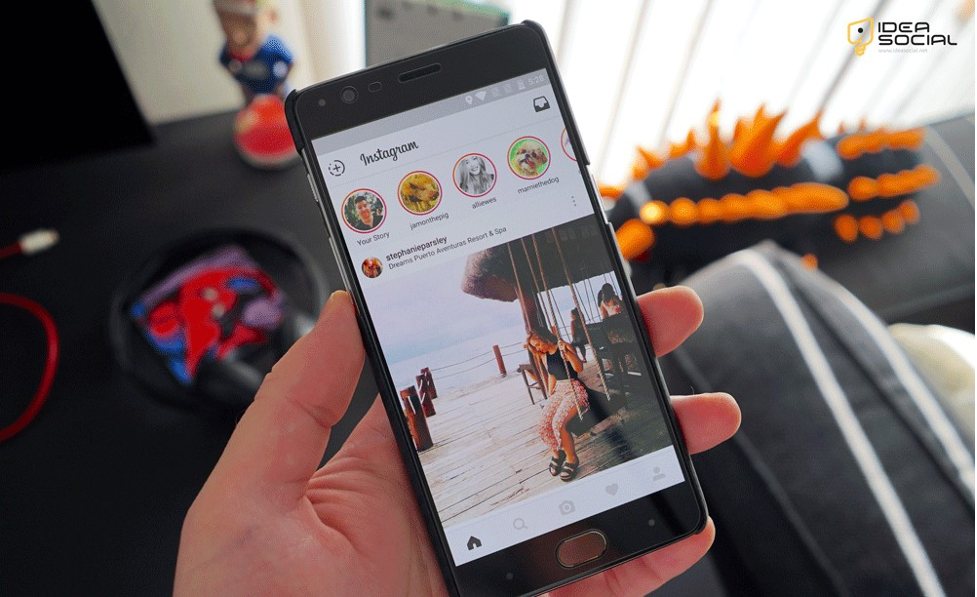
Is it possible to view Instagram stories anonymously? (3 Practical methods)
It is feasible to browse Instagram Stories in an anonymous manner utilizing a variety of different methodological approaches.
A handful of the more successful methods are as follows:
1. Airplane Mode
Utilizing Airplane Mode is a straightforward way to access Instagram Stories without being detected. This is the way it can be done:
- Get Instagram started by opening the app and signing in.
- Allow the stories you want to watch to load completely before you begin viewing them.
- This can be accomplished by patiently waiting for the stories you want to watch to load on the mainstream.
- After the stories have finished loading, switch your smartphone to Airplane Mode. This will turn off all internet connectivity.
- You should return to Instagram and see the stories now. We can’t tell if you’ve seen the stories on Instagram since your device isn’t connected.
- Make sure Instagram is closed before you disable Airplane Mode. This will prevent your view from being saved when you connect to the internet again.
2. Using a Secondary Account
You can create a second account to spy on Instagram Stories. Just do as instructed:
- Use another email address to create a new Instagram account.
- Using this additional account, follow the user whose stories you are interested in seeing. Ensure that your other account remains anonymous.
- As before, go to your secondary account and view the stories there. Your primary account will remain hidden while the views are recorded under this secondary account.

3. Third-Party Websites & Apps
Instagram Stories can be viewed anonymously using several third-party websites and applications. A few well-liked choices are these:
A Guide to using these services:
- Go to the off-site app or website.
- To access an Instagram user’s stories, type in their username.
- Sneak a peek at the Instagram stories without the account owner seeing them.
If you’re not careful, third-party services can infringe on Instagram’s terms of service or expose your personal information.
4. Chrome Extensions
Chrome extensions allow you to access content anonymously on Instagram if you prefer to use a desktop computer. Their use is as follows:
- Browse the Chrome Web Store for an extension similar to “IG Story Viewer” and install it.
- Instagram is best accessed with the Chrome web browser.
- View Instagram stories anonymously by following the extension’s instructions.
5. View From Neighboring Stories
Select another account’s Story instead of the Instagram Story you wish to see privately.
Instagram runs Stories back-to-back, so you can gently swipe to see the initial frame of the following account’s Story without clicking.
The first Story’s plot can be understood without your name on a “Seen by” list.
Click on the first Story of the following account and immediately swipe back to see the preceding account’s final Story. This technique doesn’t show all of an account’s Story midway frames.
Why do people want to watch Instagram stories in secret?
For many reasons, users can choose to access Instagram Stories anonymously.
- When users desire to hide their interests, it can be a way to keep themselves out of trouble and prevent any difficulty or miscommunication from being viewed as an observer.
- Some users can remain anonymous on Instagram while keeping tabs on friends, celebrities, or rivals.
- In addition, some users choose not to leave any digital traces when they visit specific stories to protect their privacy.
- The demand for secrecy and privacy in social media activities is the root cause of the need for anonymous watching.
What are the suggestions for privately viewing Instagram Stories?
A few extra measures are required to remain anonymous while browsing Instagram Stories.
- To reduce the likelihood of detection, delete your browser’s cache and cookies after each Story you visit.
- Using incognito or private browsing mode can also be helpful, as it turns off your browser’s activity data storage.
- Finally, keep yourself informed about any changes to Instagram’s algorithm or new ways to see stories anonymously on Instagram. The network is constantly improving its security measures.
Following these instructions, you can access Instagram Stories anonymously while protecting your privacy.
Conclusion
To sum up, there are several ways to view Instagram Stories anonymously, each with pros and cons.
It would help if you weighed the benefits of convenience against the dangers to your privacy when deciding how to use Chrome extensions, third-party websites and applications, Airplane Mode, a secondary account, or any other method.
Cleaning your cache, utilizing private browsing modes, and keeping yourself updated about Instagram’s developments can further enhance your anonymity on Instagram.
Follow the precise guidelines and ideas in this article to stay connected to the things you love while enjoying Instagram Stories in complete secrecy.
Are you ready to share your thoughts and ideas about “How to View Instagram Stories Anonymously?”
Ultimately, tell us how you experienced seeing others’ Instagram stories privately.
FAQ
Is it possible to secretly monitor someone’s Instagram Stories?
You can access Instagram Stories anonymously through third-party websites, Airplane Mode, secondary accounts, and Chrome extensions.
Is it secure to access Instagram Stories using third-party applications?
Third-party applications and websites allow you to view stories anonymously, but doing so may violate Instagram's terms of service and put your privacy at risk. Make careful use of them.
To browse stories privately, how can Airplane Mode help?
If you preload Instagram stories and enable Airplane Mode, you can spy on them without recording your screen. Be sure to close the app before you reconnect to the internet.
Why would someone want to use a separate account to see stories?
You can hide your true identity with a secondary account while keeping up with your favorite Instagram stories.
Can I hide my identity while viewing Instagram Stories using a browser extension?
To view Instagram stories covertly, you can install extensions like "IG Story Viewer" on Chrome. However, you should be aware of security hazards while utilizing extensions.


