

Maintaining the security of your online accounts is of the utmost significance in today’s digital technology.
Given the proliferation of cyber risks, it is very necessary to periodically change and strengthen your passwords, particularly for platforms used by such a large number of people as Facebook.
Change your Facebook password as a preventative measure if you have any reason to believe that your account has been compromised or if you wish to make your account more secure.
The following is an in-depth instruction to walk you through safely changing your Facebook password.
So, are you ready to jump into the details about “Where to change Facebook password?”
Why should you change your Facebook password?
Before we get into the specific methods, it is necessary to have a solid understanding of the reasons why resetting your Facebook password is so important:
1. Safety against Intruders
It would help to change your password often to ensure no one else can access your Facebook account.
Changing your Facebook password quickly is important if someone gains access via hacking or other methods. This will stop them from using your account and misusing your personal information.
2. Mitigation of security breaches
Change your password as a preventative precaution to protect your Facebook account in the case of a security breach involving Facebook’s systems or information.
This safety measure protects your account, even if your password is unaffected.
3. Protecting your information from phishing attacks
Cybercriminals often use phishing attacks to deceive users into divulging their login credentials.
If you change your password often, even if an attacker were to deceive you into giving them your old password, they would still have a harder time accessing your account.
4. Improved account security
To strengthen your cybersecurity posture overall, using strong and unique passwords for your online accounts, such as Facebook, is vital.
You can make your account more secure and less vulnerable to brute-force assaults and password guessing if you change your password often.
5. Protection of Personal Information
The security of your private photographs, messages, and contact information stored in your Facebook account is paramount.
To prevent this sensitive information from being misused, it is recommended that you change your Facebook password frequently.
Changing your password is a good first step to make your Facebook account more secure, keep your personal information safe, and lessen the impact of cyber dangers. It’s an easy approach to protect yourself online and keep your digital identity under control.
What are the steps to change Your Facebook password?
Switching out your password on Facebook is a simple and uncomplicated procedure. Take a look at the steps that we listed below:
Log in to your Facebook account
Check the Facebook website or use the Facebook app on your mobile device. To access your account, you must provide your login credentials, email address, phone number, and password.
Enter your account settings.
Once you have successfully signed in, find the menu icon, represented by three horizontal lines, in the upper right corner of the page (web) or the lower right corner (mobile). “Settings” (web) or “Settings” (mobile) can be accessed by scrolling down and selecting “Settings & Privacy” from the menu.
Navigate to security & login settings.
To access the security and login settings, choose “Security and Login” (web) or “Security” (mobile) from the menu that appears when you go to the Settings menu.
Make sure you change your password.
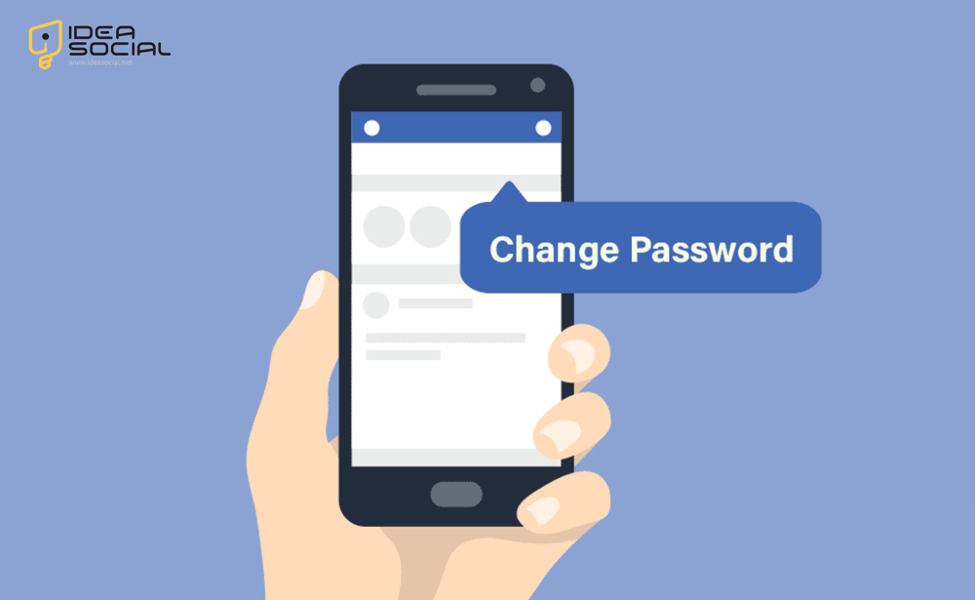
You can change your password by going to the “Login” area and finding the “Change Password” option. Choose “Change Password” or “Edit” from the menu when using a mobile device.
Confirm your current password & your new password.
To verify your identity, you must confirm your current password. Following that, enter your new password. Always ensure it is robust, one of a kind, and difficult to predict.
Save changes
Click or touch the “Save Changes” button when you have finished entering your new password to keep your Facebook password current.
What a relief! The password for your Facebook account has been successfully changed. To ensure that your account remains secure, you must choose a robust password and ensure that it remains a secret.
What are the best practices for Facebook password security?
You must implement stringent password security measures to provide enough protection for your online accounts.
Some of the recommended practices are as follows to change your Facebook password:
- Make Your Passwords Strong: To choose the Facebook password, use a combination of UpperCase, LowerCase, numbers, and special characters to Create a Minimum of 12 Characters. Names, birthdates, and other readily guessed information should not be used.
- Unique Passwords for Each Account: Never reuse a password for multiple accounts; instead, use a different one. A strong password should be set up for every single online account. This ensures that your other accounts are safe from being compromised in the case of a security breach on one platform.
- Maintain Strong Passwords: You should update your Facebook password at least once every few months. This technique lessens the likelihood of unwanted access, particularly when a password has been leaked or shared.
- Go ahead and turn on two-factor authentication (2FA): Use two-factor authentication (2FA) wherever you can. In addition to your Facebook password, this feature provides additional protection by requiring a code emailed to your phone or created by an authenticator app.
- Steer Clear of Frequent Password Patterns: Do not use obvious patterns or sequences like “123456” or “password123.” (Password123). These provide very little protection and are easy for attackers to guess.
- Alternative to Passwords: To choose the Facebook password, consider using Passwords. Longer words or sentences, known as passphrases, are simpler for users to memorize but more difficult for hackers to decipher. Take the robust passphrase “PurpleElephant$Jumping@OverTheMoon” as an embodiment.
- Keep an Eye Out for Phishing Attempts: Be wary of any communication that seems to be from a trusted source and tries to deceive you into divulging important information, such as your password. Make sure the request is legitimate before you submit your credentials.
- Data Security for Passwords: Use a trusted password manager to keep track of all your passwords, such as Facebook, in one safe place. An easy and secure method to keep track of several passwords is using a password manager, which encrypts them and requires a master password
If you follow these guidelines, you can make your passwords more secure and less likely that someone will have unauthorized access to your accounts.
If you care about your online privacy and the security of the information you save, you must use robust Facebook password security.
Conclusion
Finally, in this age of technology, it is essential to change your Facebook password often to ensure the security of your account.
Protect your account against hackers and other security risks using these tried-and-true methods. Watch for phishing efforts, use strong, unique passwords, and activate two-factor authentication for extra protection.
If you are proactive and knowledgeable, you can better safeguard your online privacy and keep command of your Facebook digital identity.
We want to determine your thoughts about the question, “Where do I change my Facebook password?”
In the comment box, you can tell us what you know that can make this article better for our readers.


